Automatic plan
During the automatic plan, our system constantly monitors prices, weather and consumption to create the most optimal plan for each site. The automatic plan works out of the box.
If you feel that the automatic plan is not optimal for the day, or you have events that our platform cannot predict (e.g. a sudden car charge, a large gathering of family or friends), you can adjust the automatic plan using the Plan Adjustment feature.
Manual Inverter modes
Our platform also provides the ability to set an inverter to the static modes, which are manually set and work until the user unsets them.
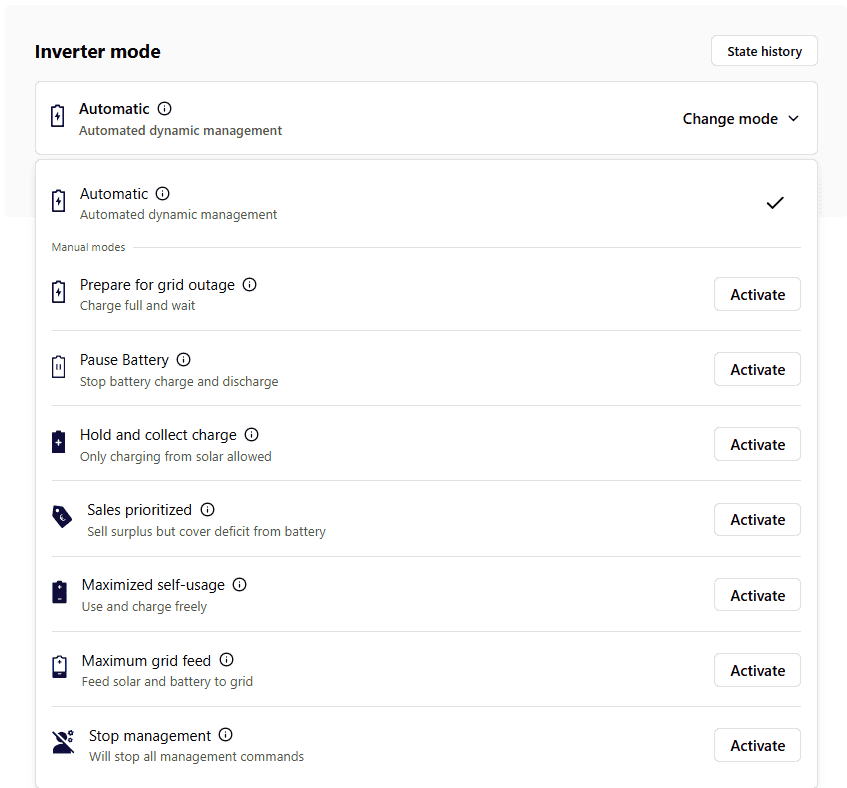
Prepare for grid outage
This mode charges the battery to full, and does not release it until the user allows it. It is useful for unexpected weather conditions such as thunderstorms, which may cause a power outage in your area.
Pause battery
Stops charging and discharging the battery.
Hold and collect charge
Allows the battery to be charged using solar power only and does not release energy from the battery during this mode. Consumption during this mode will be covered by produced solar or grid.
Sales prioritized
Prioritizes sales of produced solar instead of charging the battery. Consumption during this mode is covered by solar production and the battery. If the battery and solar are unable to cover the consumption, then energy is taken from the grid. Benefit from excess energy sold during export priority can be seen in monetary values under Smart Sales benefit.
Maximized self-usage
During this mode, the battery is charged from surplus energy and discharged to cover the deficit. The inverter will mostly operate at the factory setting that maximizes self-usage of solar panels and battery.
Maximum grid feed
During the maximum grid feed, the inverter sells energy from the battery to the grid at the maximum allowed power.
Stop management
Stops all commands from the EMS device to the inverter. Useful when performing maintenance on the inverter.
Commands
Hold and Collect

If the site is in Hold & Collect, the solar energy produced will first cover the consumption and the excess energy produced will charge the battery. The battery is not used during this command, consumption is covered by the grid.
Charge up
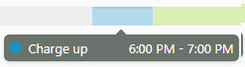
Charges the battery from the grid. The charge power can be limited with the Import limit feature.
Export priority
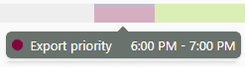
Export priority covers the consumption with solar power and sells excess energy to the grid. It is applied to the most expensive morning or day hours. During this command battery usage is allowed and the consumption will be covered by the solar energy and battery. Benefit from energy sold during the export priority can be seen in monetary values under Smart Sales benefit.
Open Battery
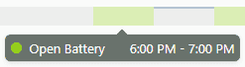
During the Open battery command, the consumption will be covered by solar and battery. Excess solar energy will go to the battery if the battery is empty. If the battery is full, excess solar energy will be sold to the grid. The battery is used or charged on demand and controlled by the inverter, not the EMS device.
Maximum grid feed
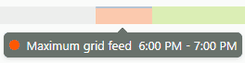
During the maximum grid feed, inverter sells energy from the battery to the grid with maximum allowed power.
Stop management
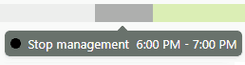
This command stops all the controls from EMS device. During this command, EMS device only reads data from the inverter.
Battery stopped
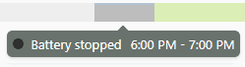
This command stops battery usage.